How AI Built This at Figma
Three talks from Figma's London engineering team on agents, decision models and evals.

- David Gérouville-Farrell
- 7 min read
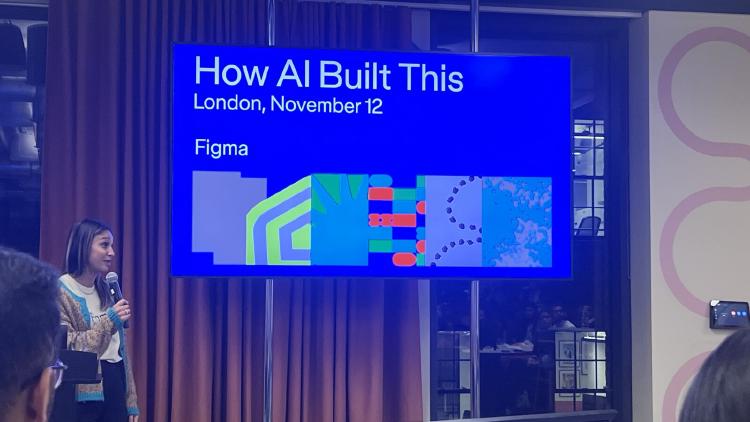
Last Thursday evening I went to How AI Built This at Figma’s new London office, run with Inara Talent and Women in Tech UK. The London team owns Figma’s MCP server and the journey between design and code, and three of their engineers gave talks about how they work.
Taking the human out of the loop
Emil Culic talked about how a small team built the Figma app for ChatGPT and Codex with OpenAI. The timeline was very aggressive: the first intro call was at the start of September and it was announced at the end of September, and OpenAI were still building the SDK they were building on top of while they did it.
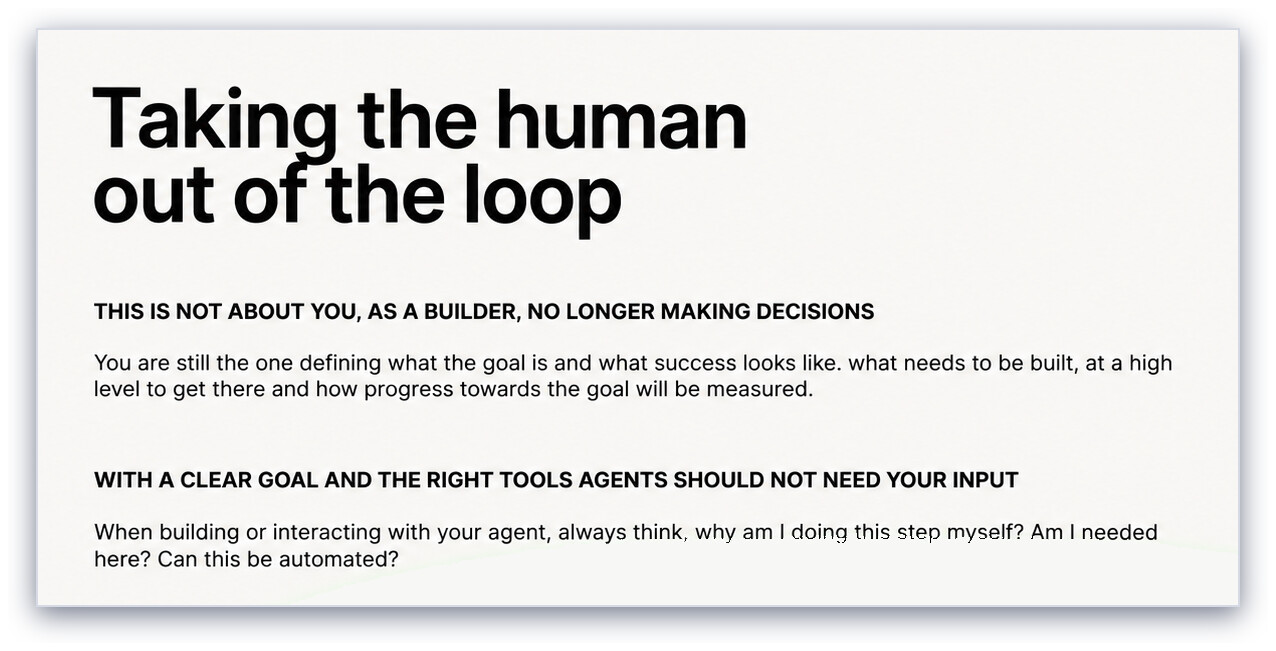
I read this more as moving the human to the loop above and letting the agent do the inner loop
His framing was that this isn’t about you no longer making decisions. You still define the goal and what success looks like. The question is how to build loops where agents can take a clearly defined task, implement it, and show you proof that it’s done, without you having to do a lot of manual work just to check.
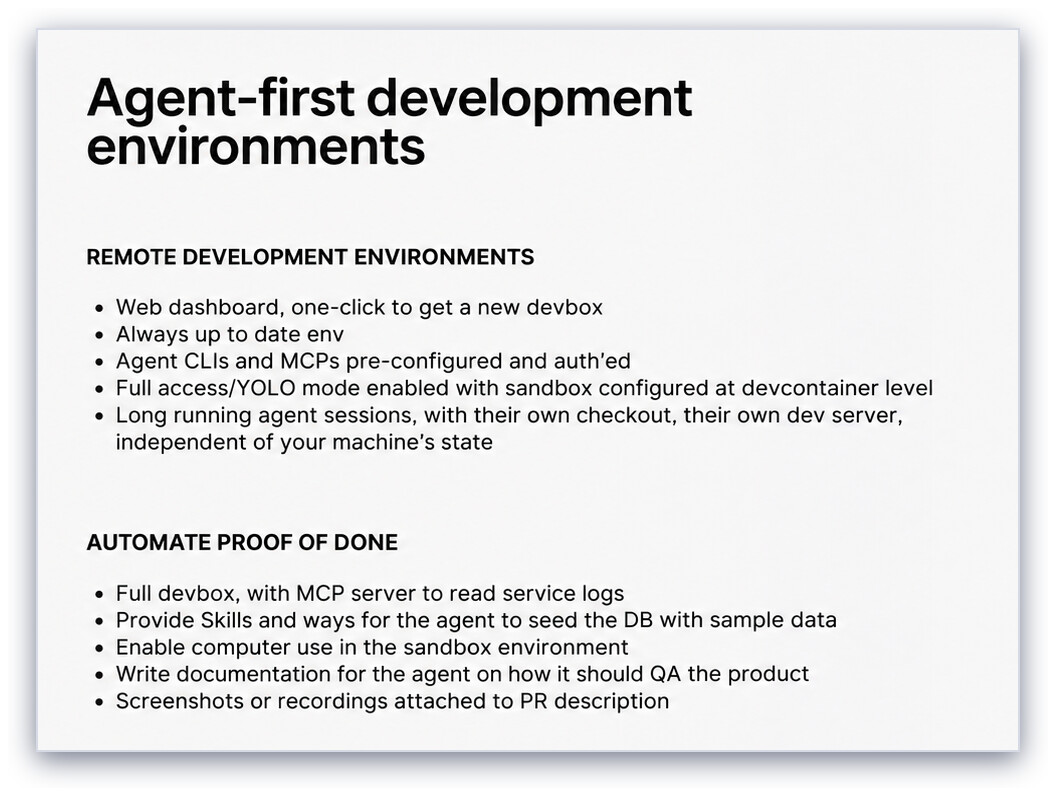
I am now a complete convert to remote dev environments
There were two things that they said helped make their process more efficient. The first is remote development environments: one click gets you a new devbox, a virtual machine with the codebase, all the services, and the agents and MCP servers already configured and authenticated. Because the box is a sandbox, the agent can run in full-access mode, and because it isn’t your laptop, you can start an agent, go to bed, and it’s done by the time you wake up.
I haven’t had ten boxes running ten agents (like they described), but I have had a bunch of completely different things happening at once, and it is amazing when you can send a task to your AI when you’re on a train, or when you go to bed, and when you wake up it’s done. It’s obvious to people, including engineers of course, but until you’ve actually had the experience of separating your physical hardware from the work that happens, it’s hard to fully appreciate how cool it is.
The second thing that helped was automating elements of proof of the work that was done. They wrote a skill that tells the agent how to QA the product: download the Codex Linux desktop app, run the dev server, connect the MCP, work through a set of QA scenarios using computer use, and attach the screenshots and recordings to the pull request.
Code review is still human, though. They have a GitHub label to request an agent review, but teams mostly rely on people to do the review work. They’ve reduced the amount of work required in pull requests, because reviewers can just look at the screenshots and videos to see that it works, but they still do code review the old way. I think this is one of the areas where we need to reconsider how we actually do review. Speeding up the review process by removing some elements is great, but there’s still too much code to review, so I see this as an open challenge.
Deterministically undeterministic
Daniel Büchele’s talk was about converting code into Figma designs.
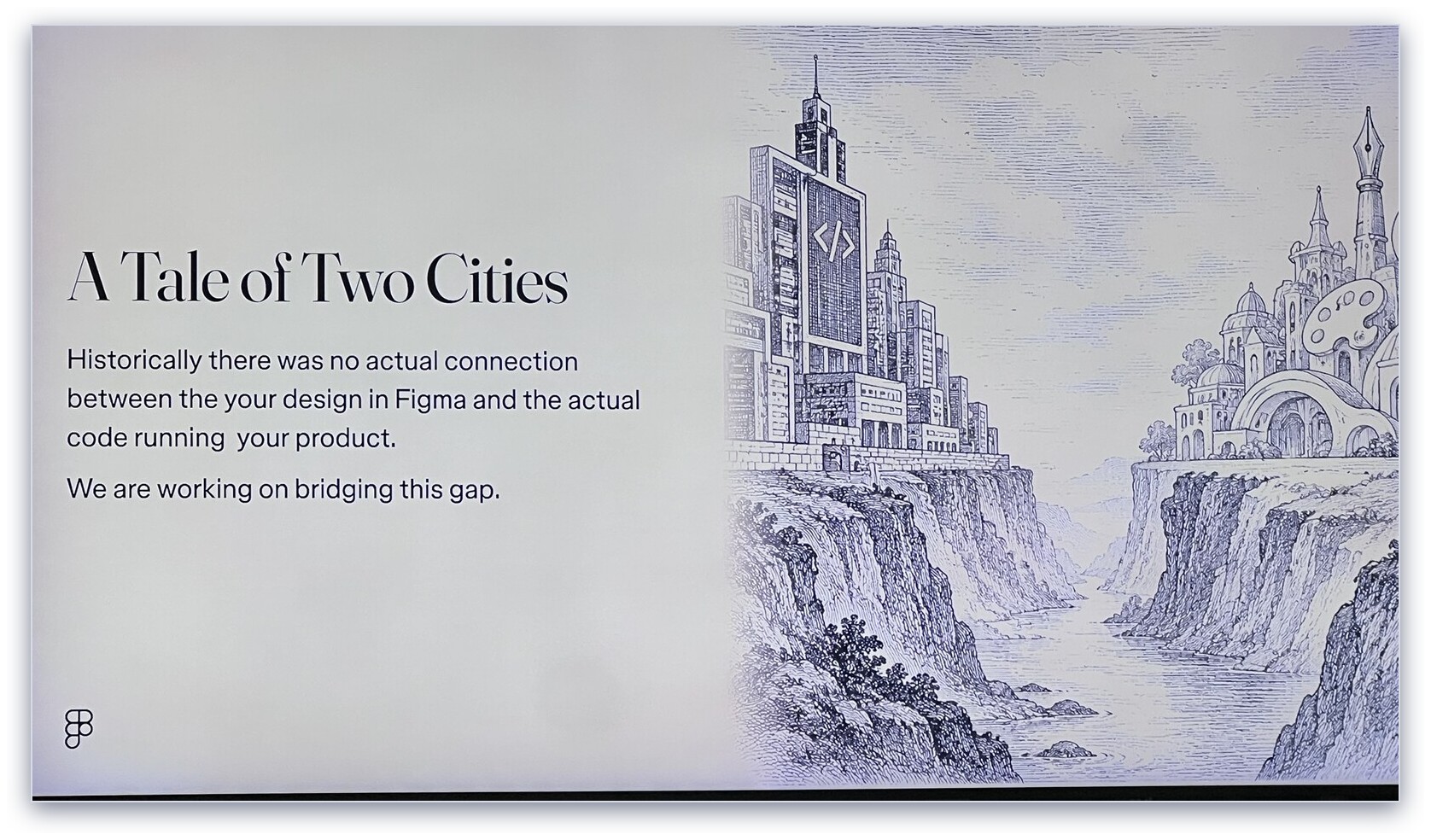
Design in Figma and the code running your product have historically been separate worlds
Figma wants you to be able to go from code to design and back again, which they call round tripping. Designers and engineers have both solved the same problem with components, but in slightly different ways.
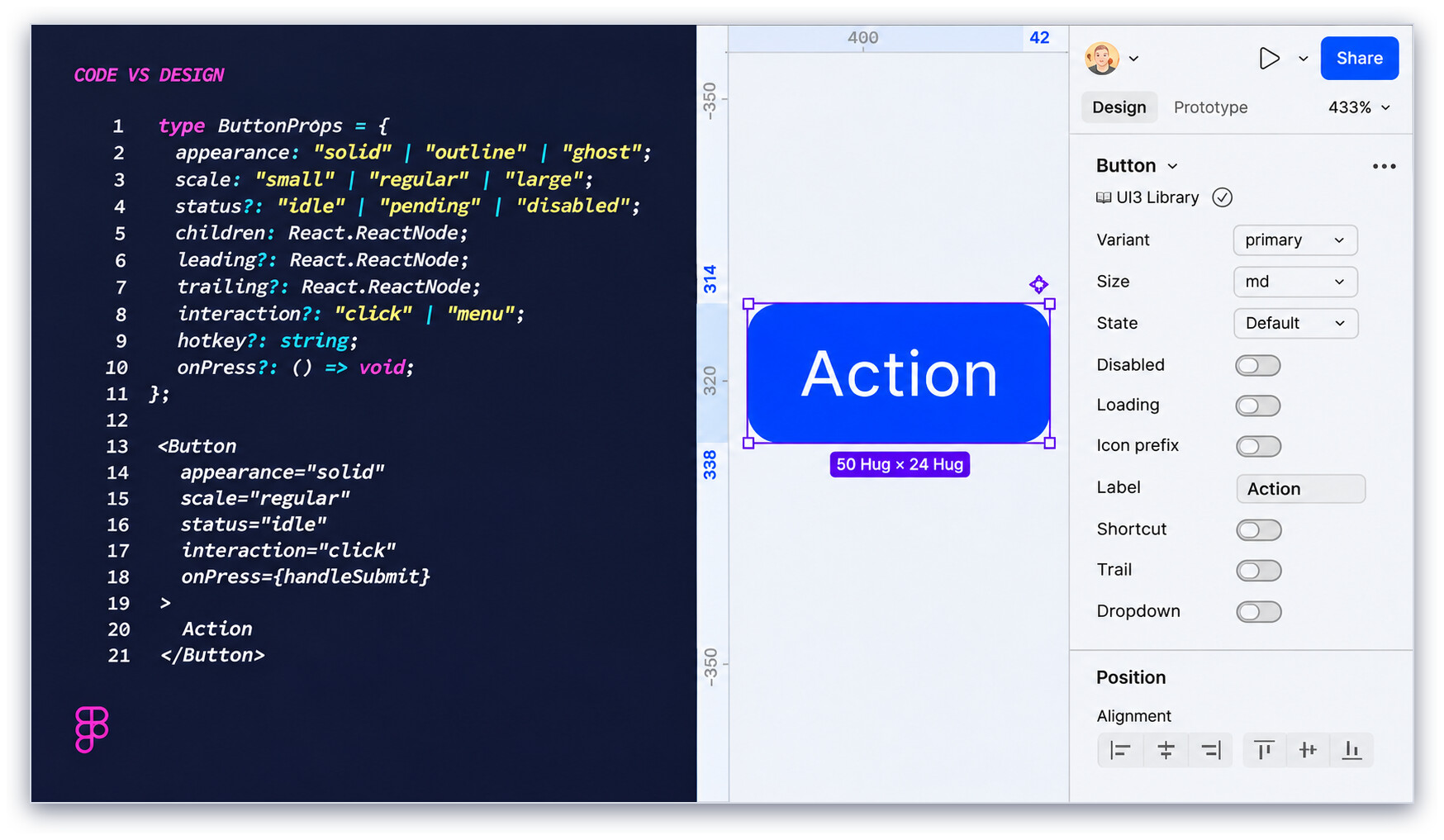
The same button in code and in Figma
The engineer’s button has a scale of small, regular or large. The designer’s button has a size of md. The code has one status property covering idle, pending and disabled, while the Figma component has separate Disabled and Loading toggles. In any random company, the design team and the tech team may indeed have different ways of framing what’s ultimately the same thing, and deterministic tools struggle to bridge that gap.
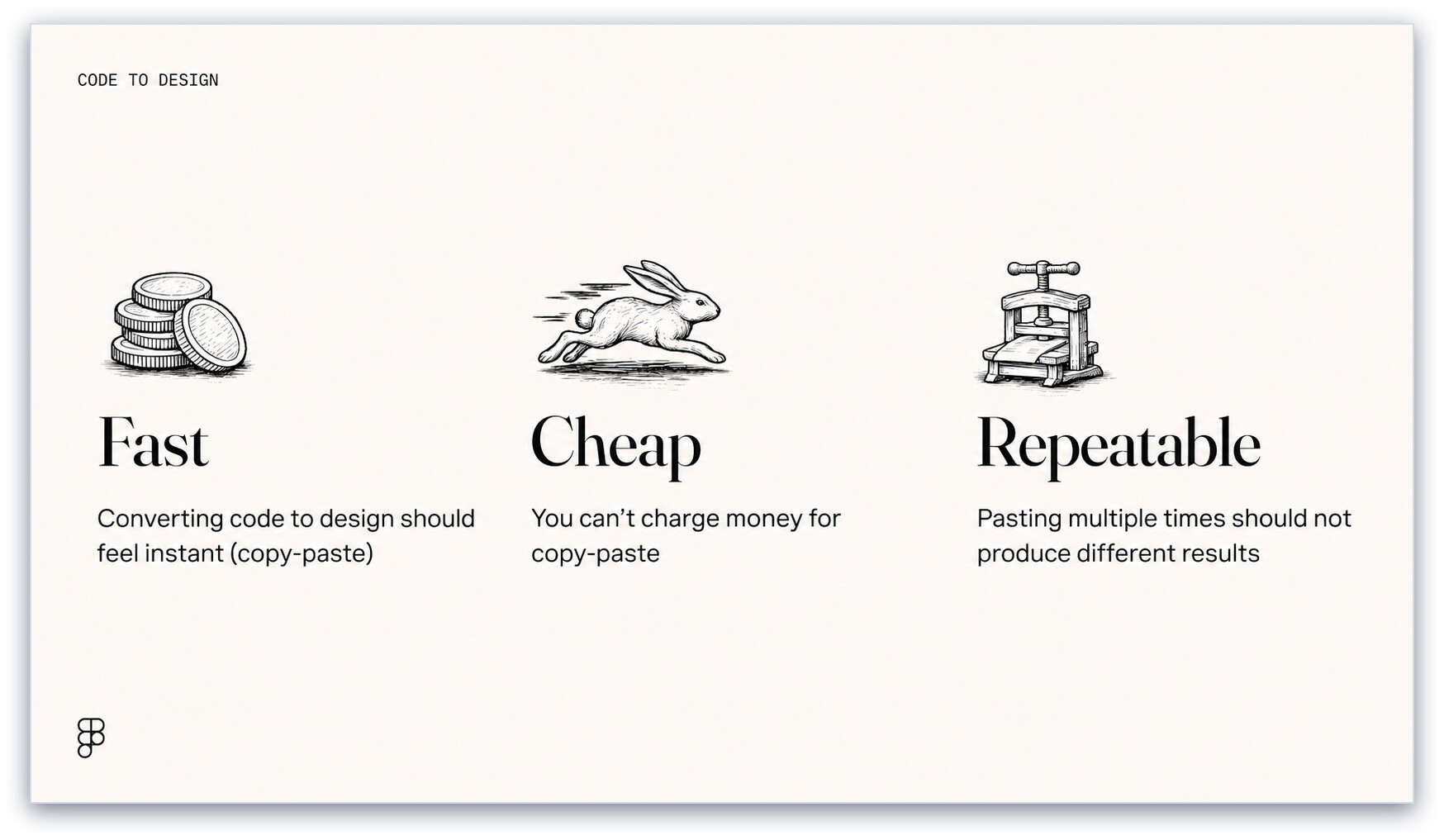
“Copy-paste” has to be fast, cheap and repeatable (you can’t charge for it either)
It also has to be fast (converting code to design should feel as instant as copy-paste), cheap (you can’t charge people money for a copy-paste) and repeatable (pasting twice shouldn’t give you two different results). That rules out a big model thinking about every paste.
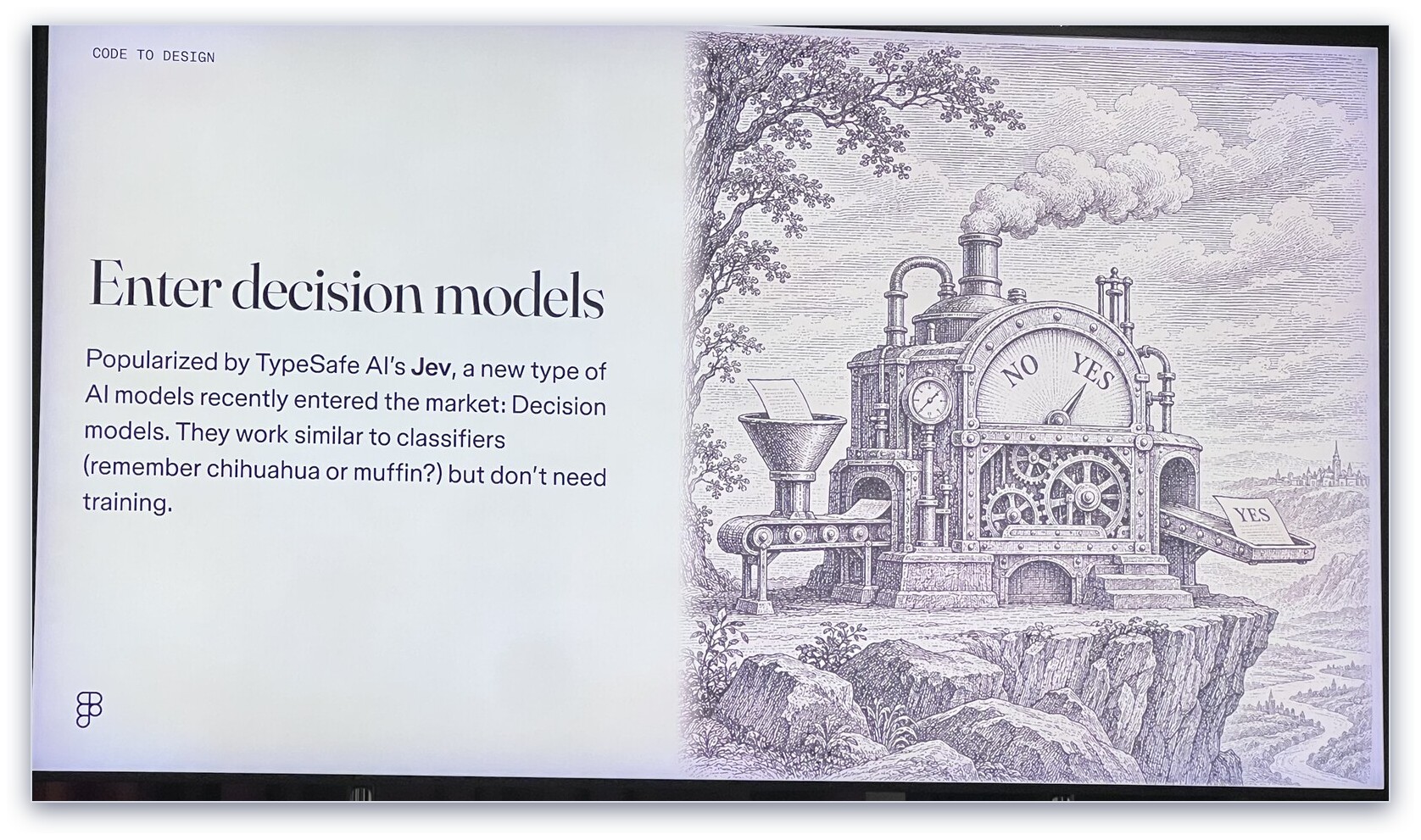
Enter decision models
Enter decision models like Jev. Daniel described them as generic classifiers: like the classifiers of old (remember chihuahua or muffin?), but with no training, because the model already knows what a dog and a muffin look like. You give it a question, a list of options and some context, and it gives you back a choice and a confidence. The output is a single token, so it’s fast - he said the model itself took about 21 milliseconds.
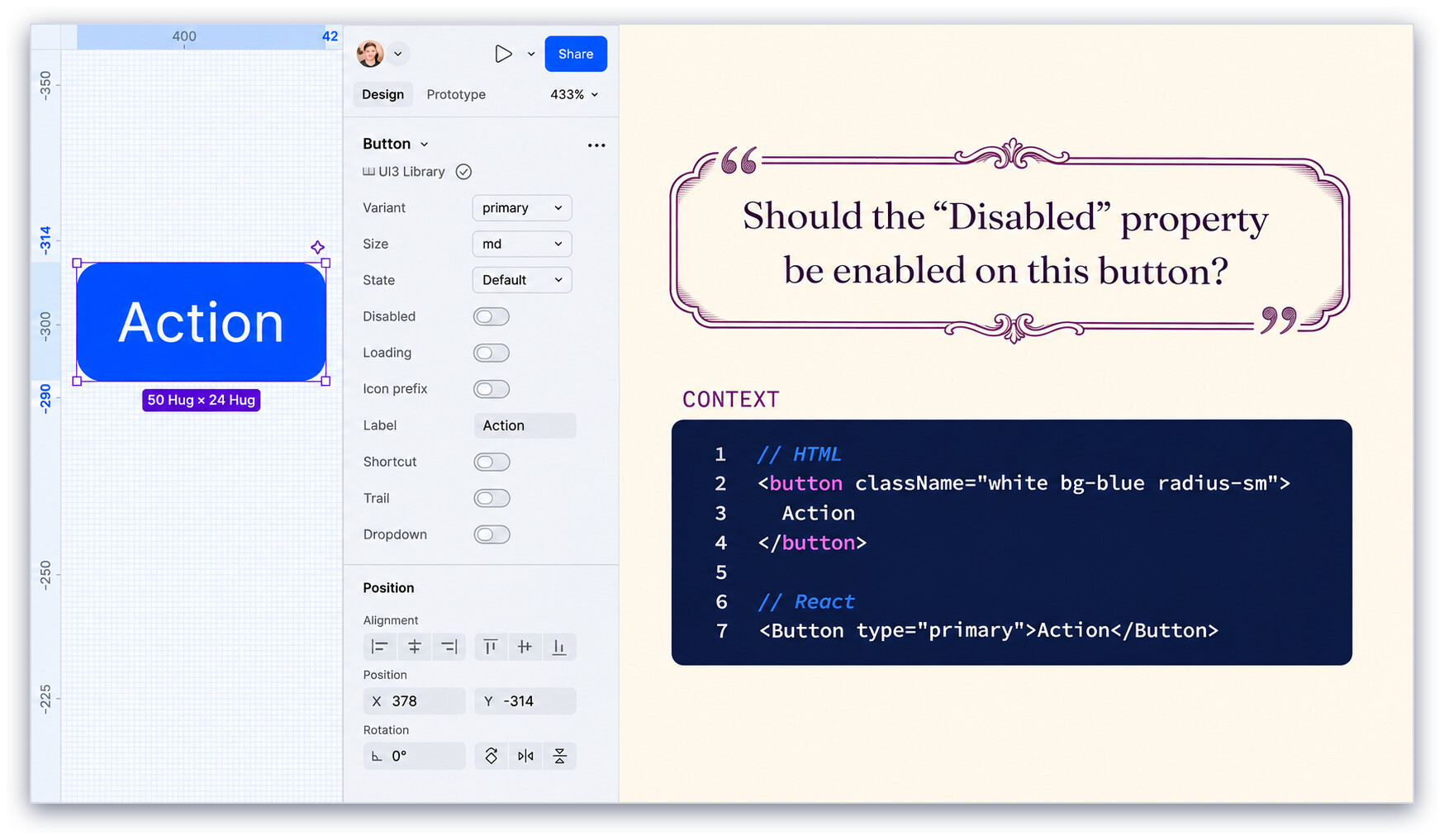
Should the Disabled property be enabled on this button?
So instead of asking one big question, they ask lots of small ones. Give it the HTML or React for the button as context, and ask whether the Disabled property should be on. Ask what size it should be.
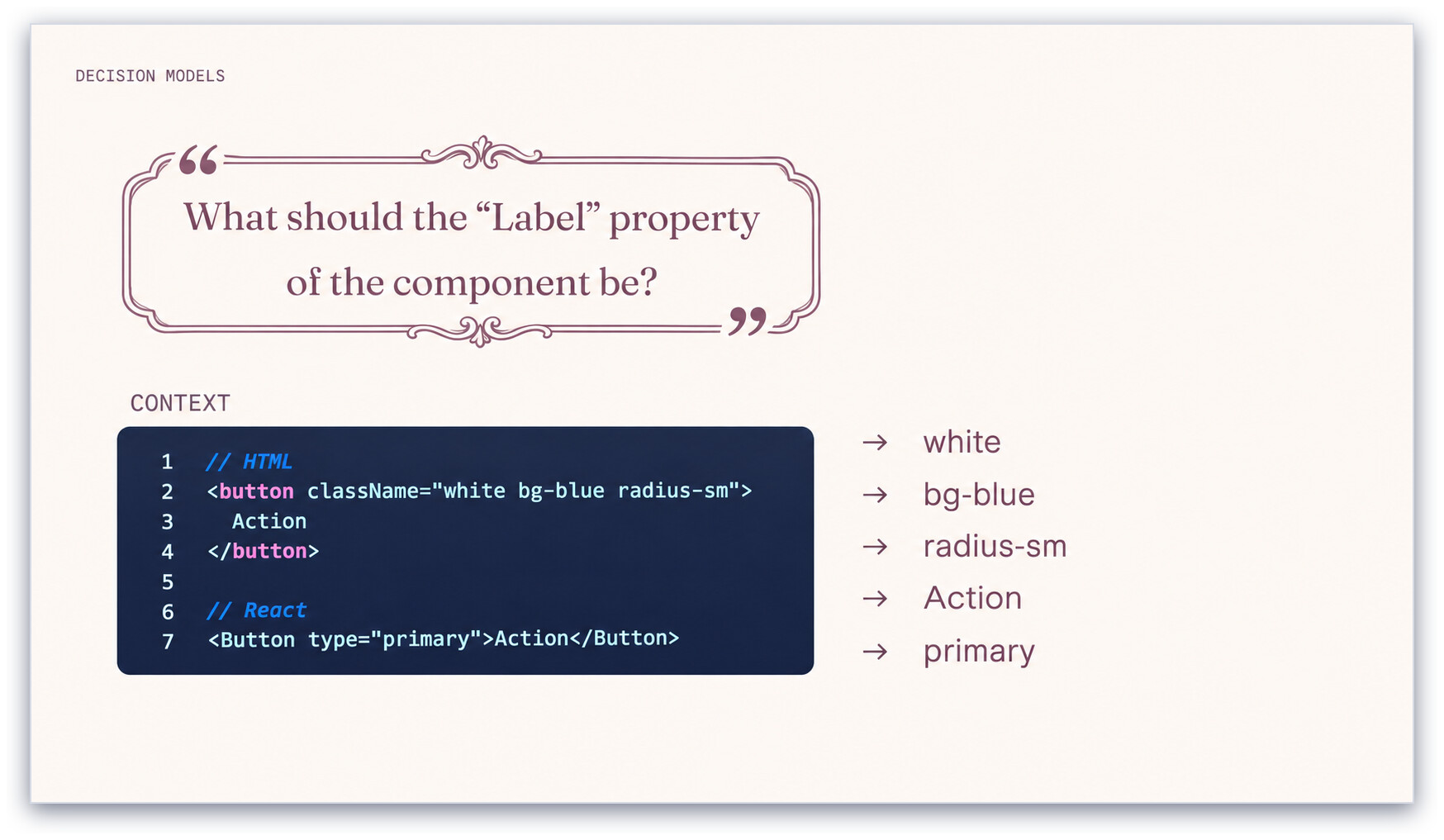
Turning a free-text property into a multiple-choice question
The clever bit is the label. A free-text property doesn’t look like a multiple-choice question, so they pull every string out of the code and ask the model to pick which one is the button’s label.
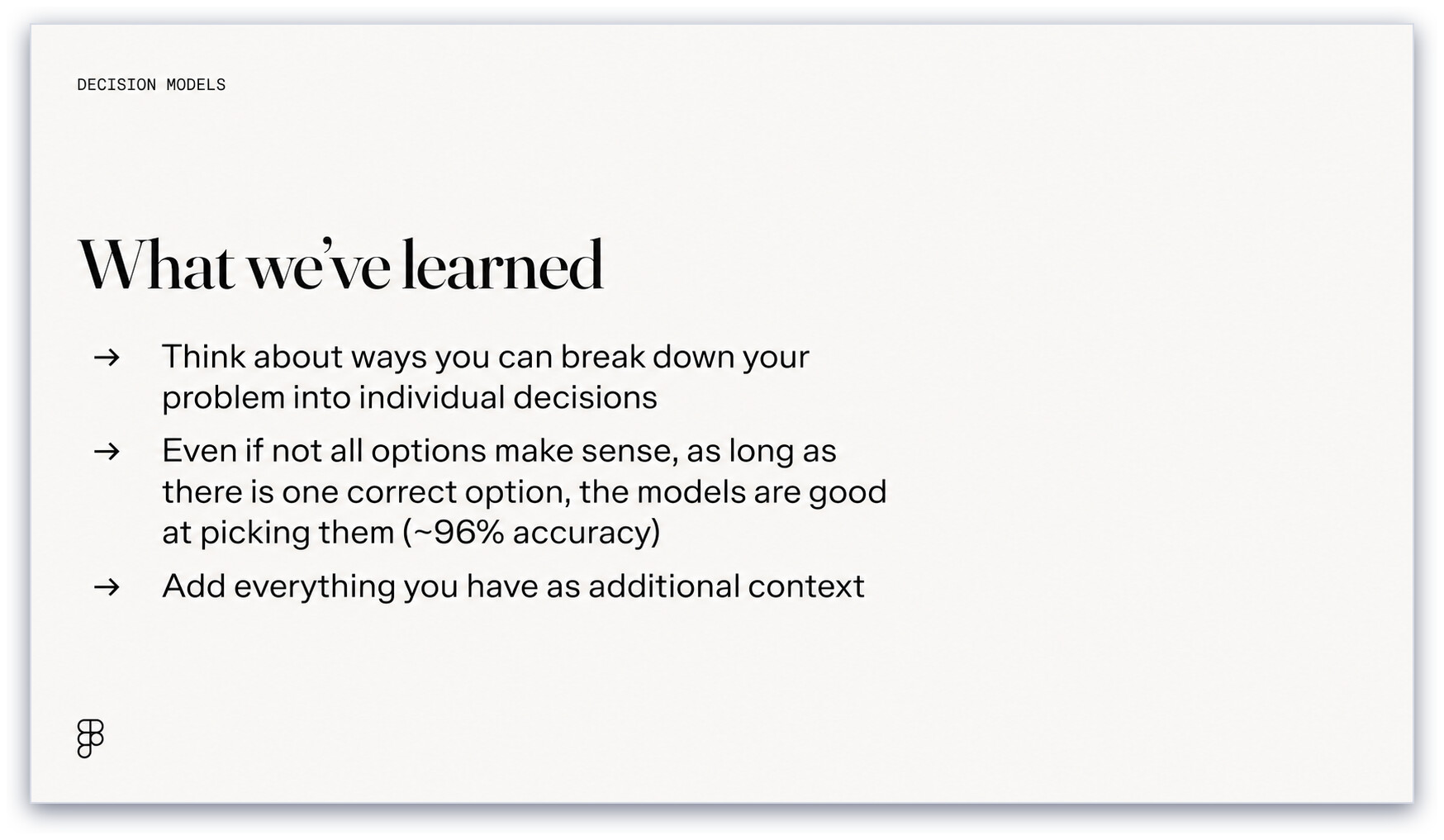
What they learned
I think it’s such a good idea - doing a mapping between two different abstractions without you really having to do it yourself. And the fact that the problem didn’t really look like a decision-model-shaped problem until they broke it into separate decisions suggests to me that we’re also still figuring out how to use these new System 1 models.
Someone in the audience asked about the blue and black dress, and it inspired me to write my Jev post.
Evolving with evals
David Wong and Radina Kalpakova work on the MCP tools that let agents create designs directly on the Figma canvas, and talked about how they use evals to improve them.
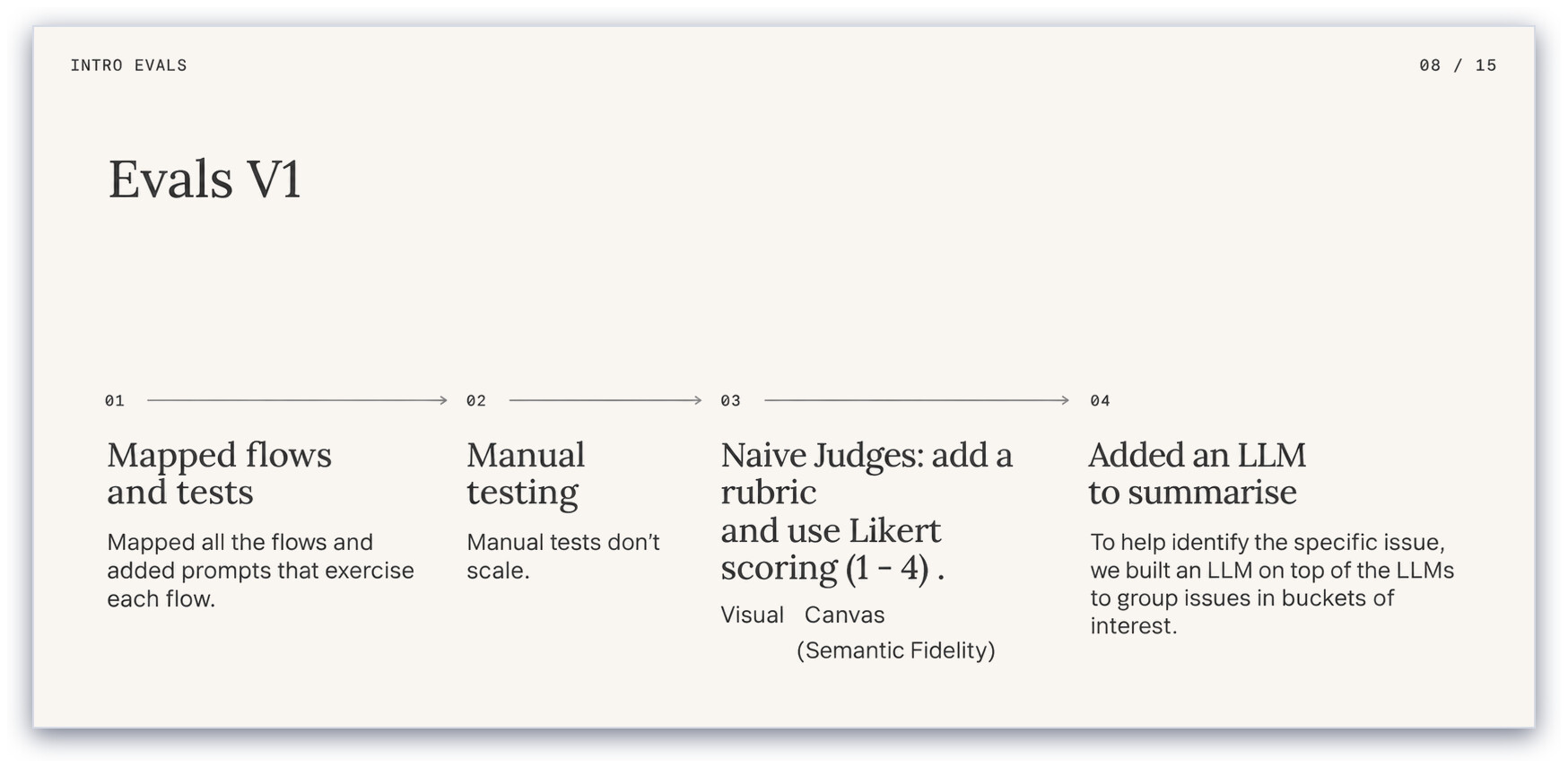
Evals V1
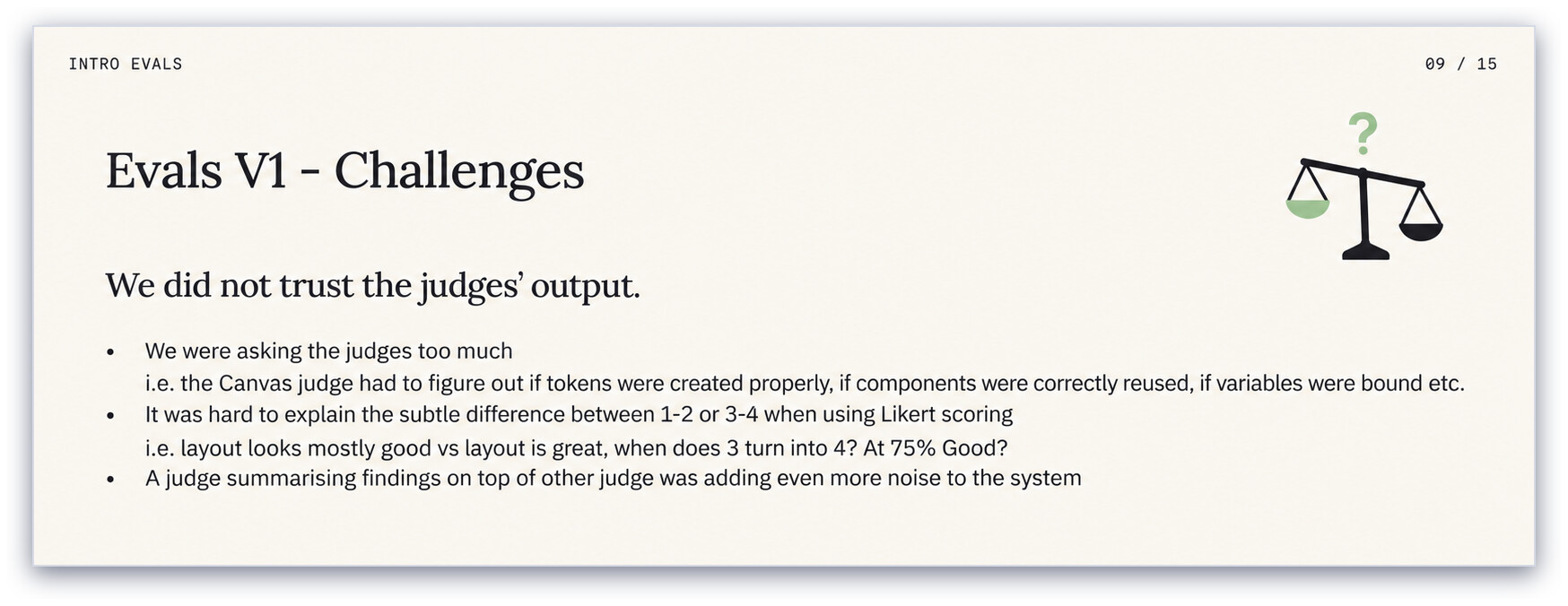
Evals V1: they didn’t trust the judges
Their first version had a visual judge and a canvas judge scoring on a 1-4 Likert scale, plus another LLM summarising the judges’ findings, and they didn’t trust the output. At this point I thought they were going down the wrong path. They weren’t aligning their LLM judges, and they were also using Likert scales. Those are both things that Hamel and Shreya’s evals course warns against.
Evals V2
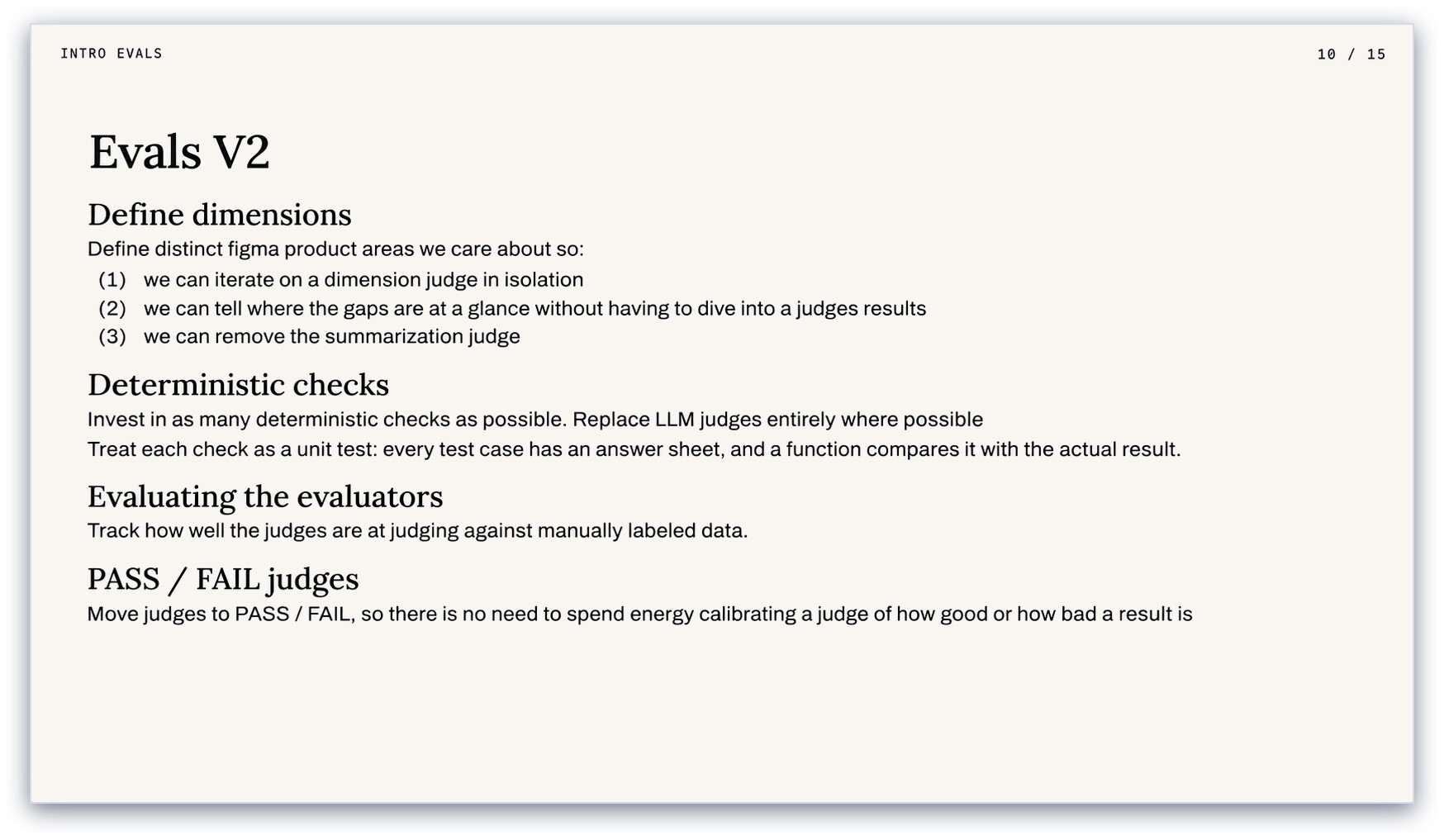
Their second version, however, felt much closer to what I would consider best practice: a dedicated judge per dimension, deterministic checks wherever possible, pass/fail instead of a scale, and evaluating the evaluators against manually labelled data.
I still don’t personally think they’re quite aligning the judge, though. The way they spoke about it, they build an LLM judge and then run it against labelled data to see if it’s good. It’s a subtle difference, but I think you may get better performance if you go through a process of aligning the judge to your own preferences, and evaluate the judge’s alignment as a separate stage before you unleash it on everything.
These seem like good ideas
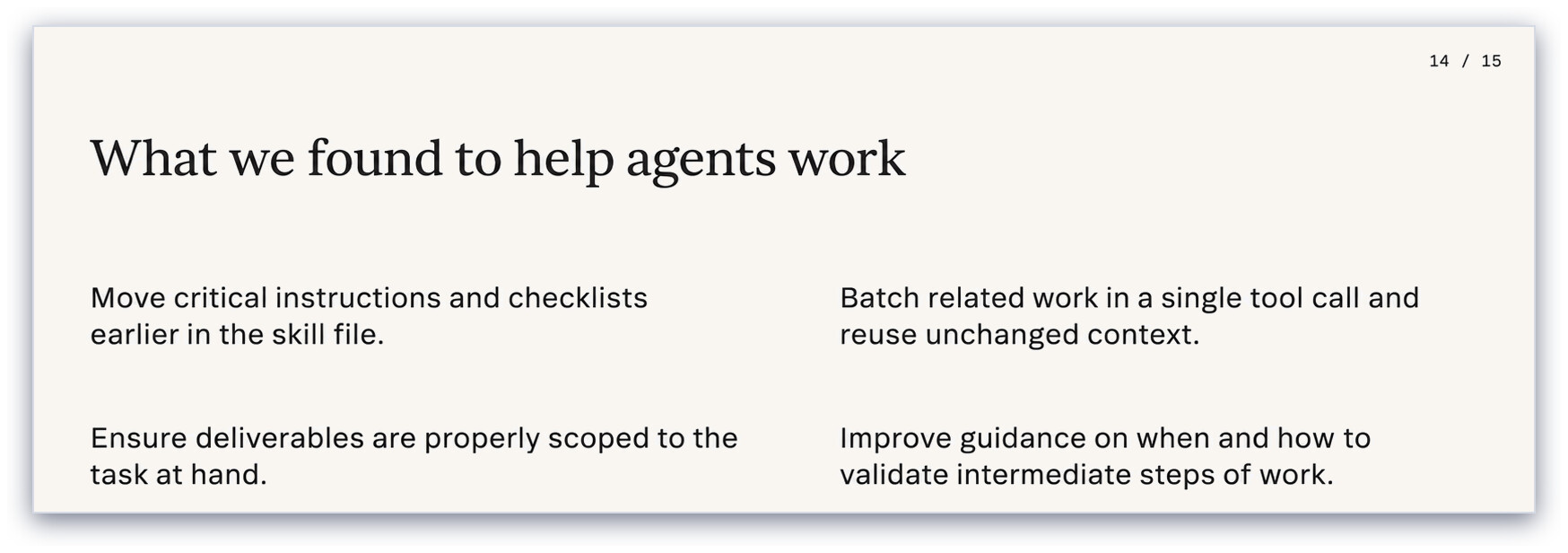
They then used the evals to improve the skills that guide agents working on the canvas. My favourite finding: agents often only read the first few hundred lines of a skill file, so important guidance further down was being ignored. Moving the critical instructions to the top made a noticeable difference.
The vibe
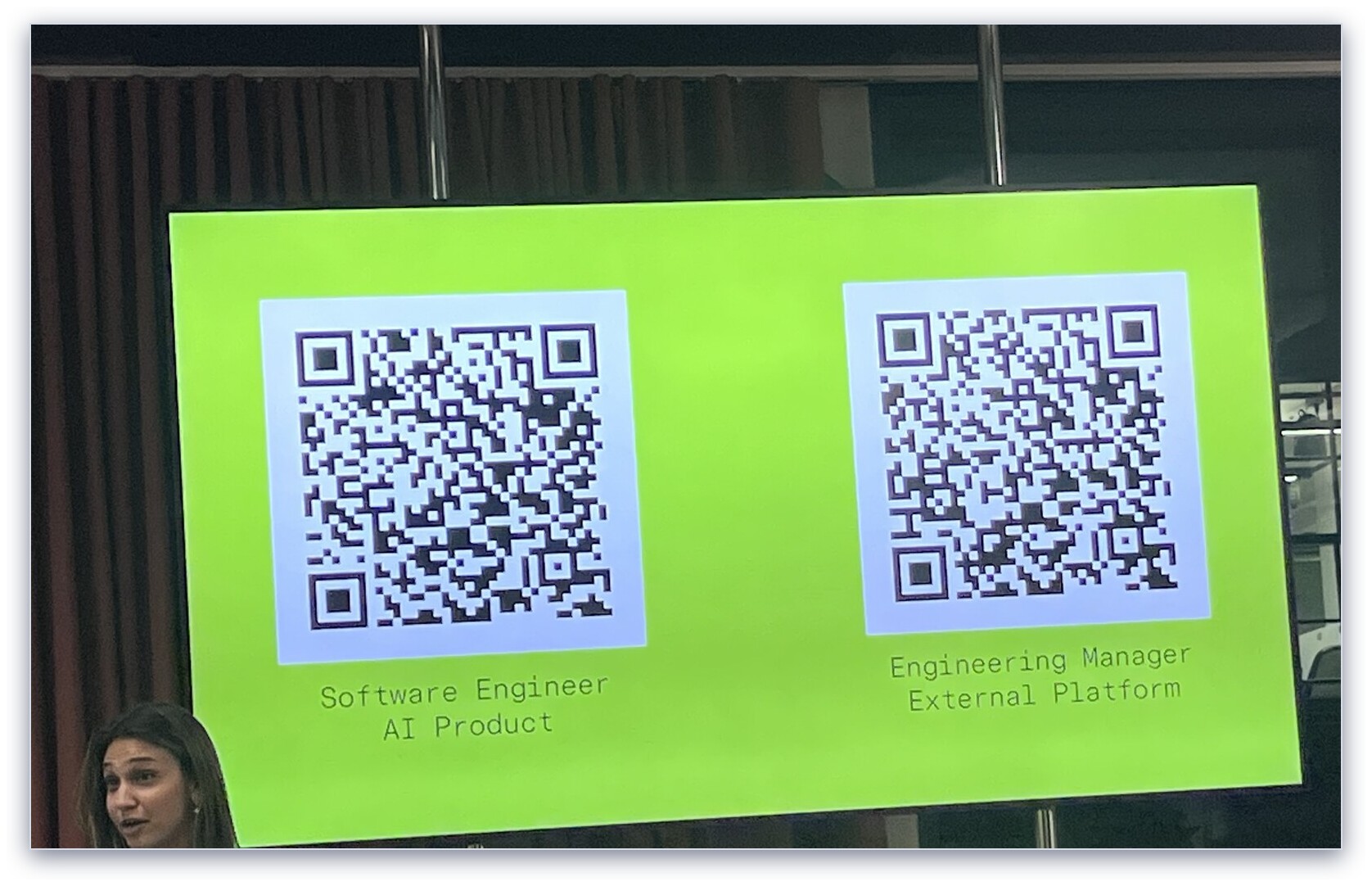
The Figma office looks great and the vibe was very fun - they had throwable cube microphones for the Q&A. If I wasn’t very happy doing what I’m doing, I would totally consider scanning one of these QR codes and seeing if they had a gig for me.
Figma London is hiring
thingsithinkithink
- I had started to think Figma were not long for this world, but I think they’re making a comeback.