First Impressions of Claude Cowork Mode
Trying out Anthropic's new Claude Cowork mode.

- David Gérouville-Farrell
- 7 min read
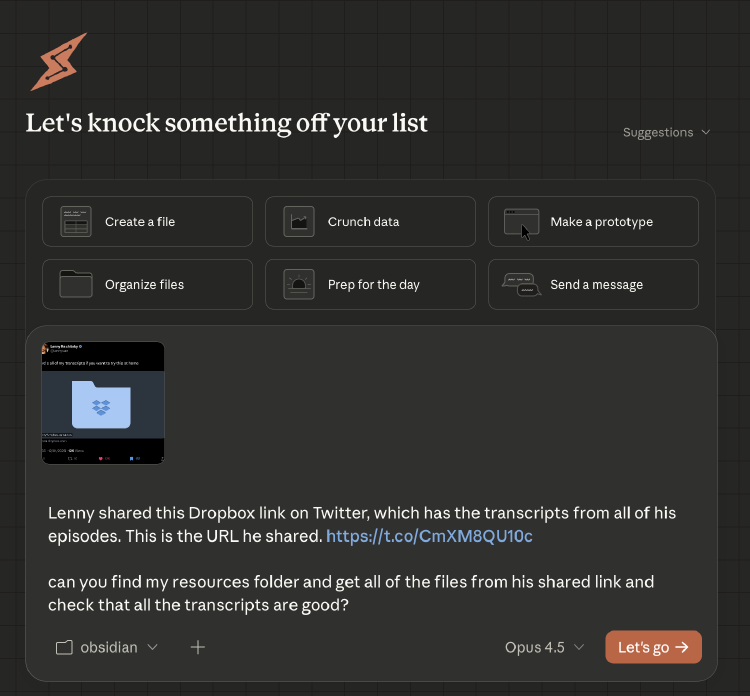
Anthropic recently released Cowork mode for Claude. It’s similar to Claude Code in that it’s highly agentic, has access to skills, and can make changes to files on your computer. But it has a nicer interface than Claude Code and is aimed at non-programmers, giving them access to the kind of general agent that all of us technical folk have been enjoying for a while now.
You select a folder from your hard drive, give Claude a task, and it spins up a little virtual computer of its own that can read and edit those files. It’s allowed to browse the web, produce outputs, write its own code, and stuff like this.
To give it a test, I thought it’d be interesting to try a real task, something I’ve been wanting to do. I noticed the other day that Lenny Rachitsky of Lenny’s Podcast fame releases his transcripts. I thought it’d be good to use Claude Cowork to grab all the transcripts, get them on my computer so I can use them for future reference, and also to see whether there have been any interesting interviews with guests that might counter the positions I’ve taken on my blog. Anytime there’s a difference of opinion, there’s usually something interesting to learn there.
I tried to do it in one session and wasn’t able to, for reasons I’ll explain in a moment. But it was actually a really positive experience, and although I think the “jagged frontier” of AI is still a problem, I do think that this is a step towards the way we will all be working in the not too distant future.
Here’s how it went.
Part 1: Getting the Transcripts
I started by pointing Claude at my Obsidian folder and asking it to grab the transcripts from Dropbox. Obsidian is where I store all of my work notes, resources, and things I like to keep track of. I don’t really use its advanced features, I just like having markdown-based notes and Obsidian is a good viewer.
The first hurdle was getting Claude to actually access the files. The t.co URL shortener wouldn’t resolve properly through Claude’s web tools, and Dropbox was blocked by domain restrictions.

Domain restrictions prevented direct access to Dropbox.
Claude noticed it was struggling and pivoted to using the Chrome browser to do this manually.
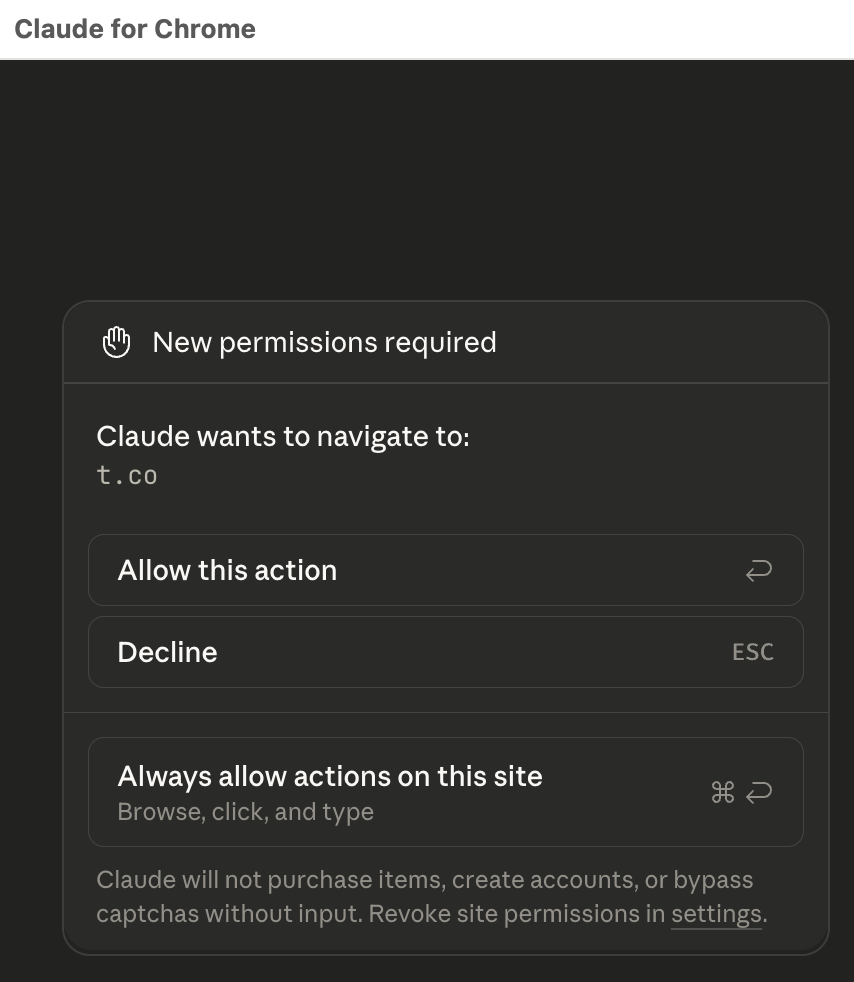
Claude for Chrome requesting permission to navigate to the shortened URL.
This worked. Claude got into the Dropbox folder and could see all the transcript files. It scrolled down the page until it understood the size of the request, that there were several hundred files in there. I was worried it was going to try to download them one at a time, but instead it was smart enough to scroll back to the top and use the download all button.
However, this led to the next problem. Claude could see that the download process had started, as shown in the image below, but it didn’t seem to see the dialogue asking where to save the file.
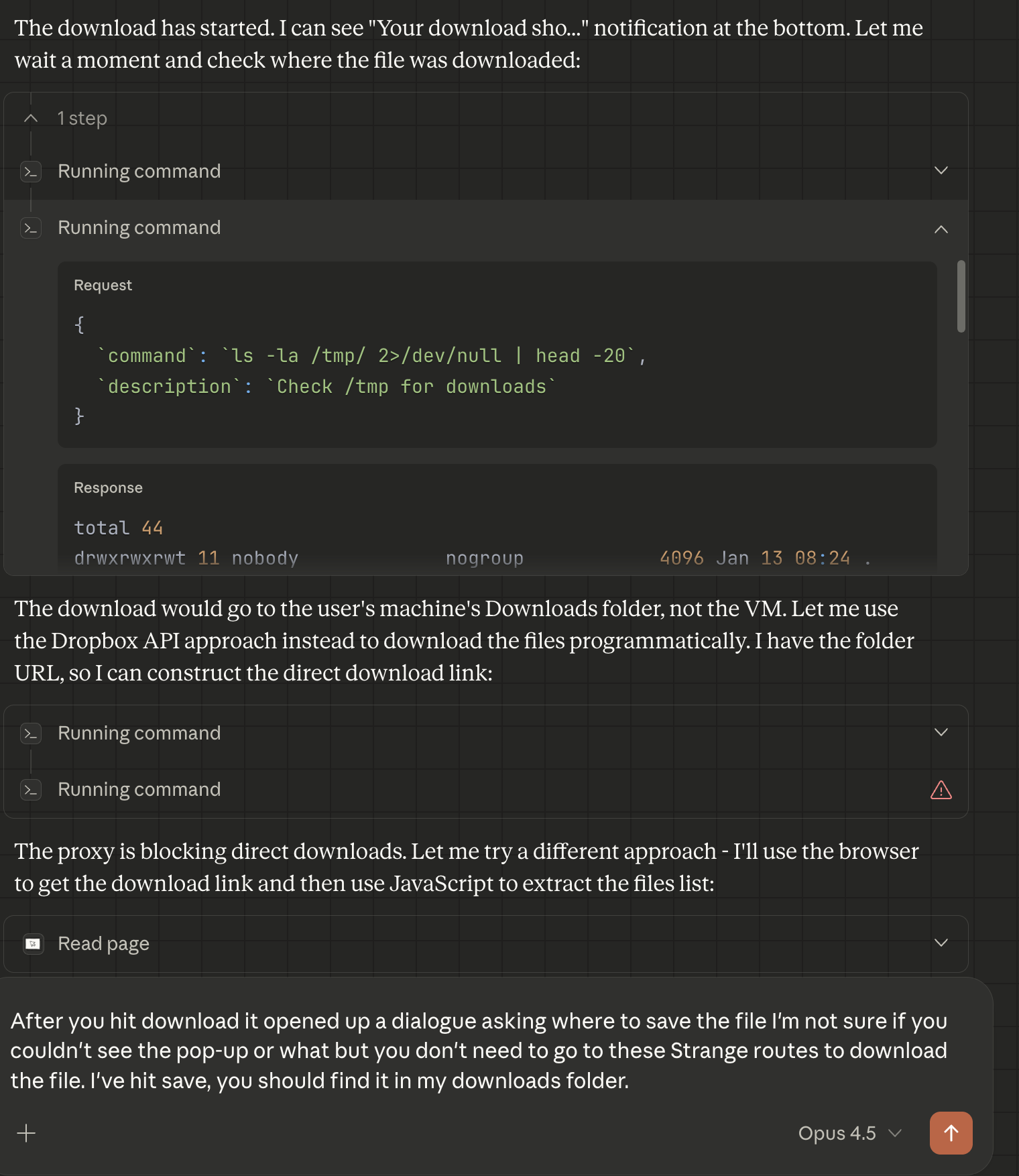
Claude realising that browser downloads don’t land where it can access them.
I let it try for a minute to see if it could spot that it had to click save, but in the end I just saved the file myself and dragged it into the chat.
The reason I had to drag the file in is a bit convoluted. I had started Claude Cowork pointing at my Obsidian folder. Due to the nature of the sandbox, Claude Cowork can only see files inside the folder you selected at the start. It couldn’t see my Mac’s Downloads folder. So even though the browser downloaded the zip file successfully, Claude had no way to access it. Dragging the file into the chat was the workaround, as that uploads it directly into Claude’s VM where it can work with it.
Claude extracted everything to my Resources folder and verified the contents.
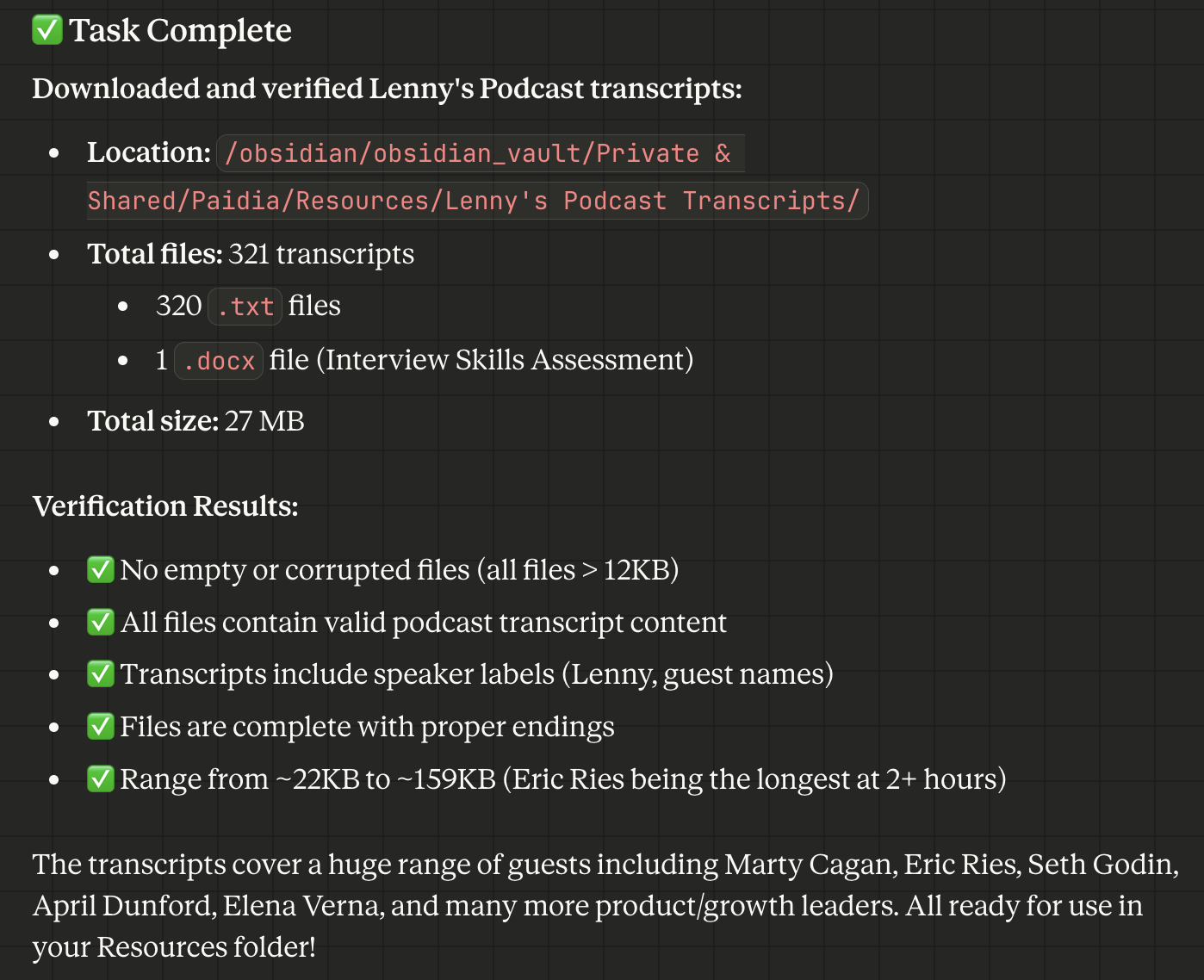
321 transcript files, all verified and ready to use.
So far so good, but now I hit the folder context problem again.
The Folder Context Problem
As I mentioned with the downloads thing above, I had pointed Claude at my Obsidian folder. The transcripts were there now, but my blog lives in a completely different location on my filesystem. When I asked Claude to analyse my blog posts and compare them to the transcripts, it couldn’t find the blog, even when I pointed it to the exact folder location.
Claude Code is able to add folders to the context. If you’re using Claude Code, it is similarly sandboxed to Claude Cowork, but with Claude Code you can add a second folder, a third folder, as many folders as you like. One Claude Code agent can access several folders scattered across different locations on your disk. At present, Claude Cowork really just wants to work from one folder.
So I couldn’t complete this task in the first session. I had to start a new session and point Claude at a folder higher up in the hierarchy, under which both my blog and the Obsidian vault with the transcripts sit.
Part 2: The Analysis
On my Mac, my Obsidian vault and my blog are both at various locations underneath my user folder. So if you look at the image below, you’ll see I’ve added “david” to the Claude Cowork prompt and now it’s able to access everything under my home directory. This does defeat the purpose of a sandbox a bit, since I’ve basically given it access to everything, but it was the only way to get both locations in scope.
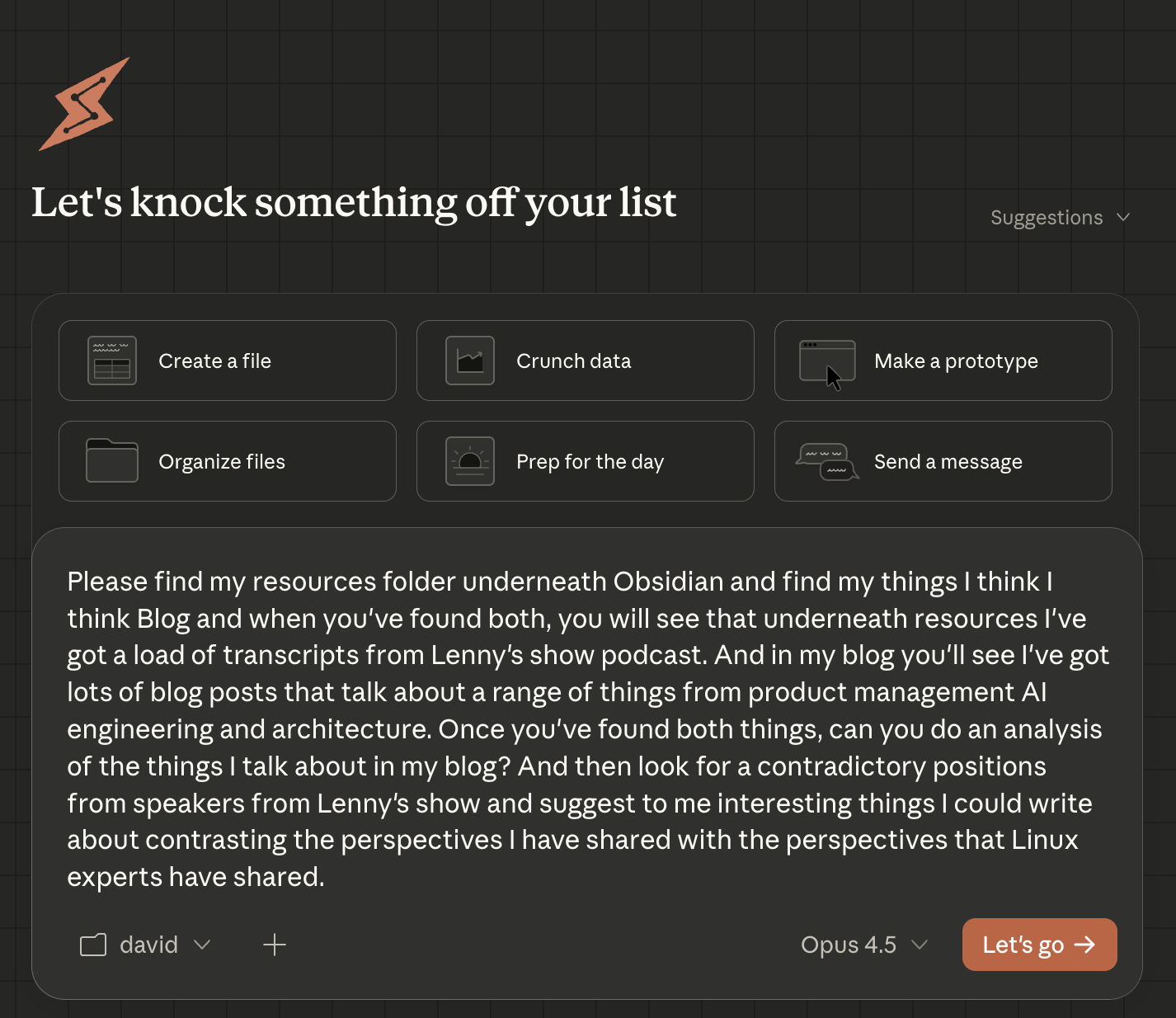
The second session. This time with access to both the transcripts and my blog.
With the right folder context, things moved quickly.
Claude found my blog by searching for references to “thingsithinkithink”, then located the Lenny transcripts in my Resources folder.
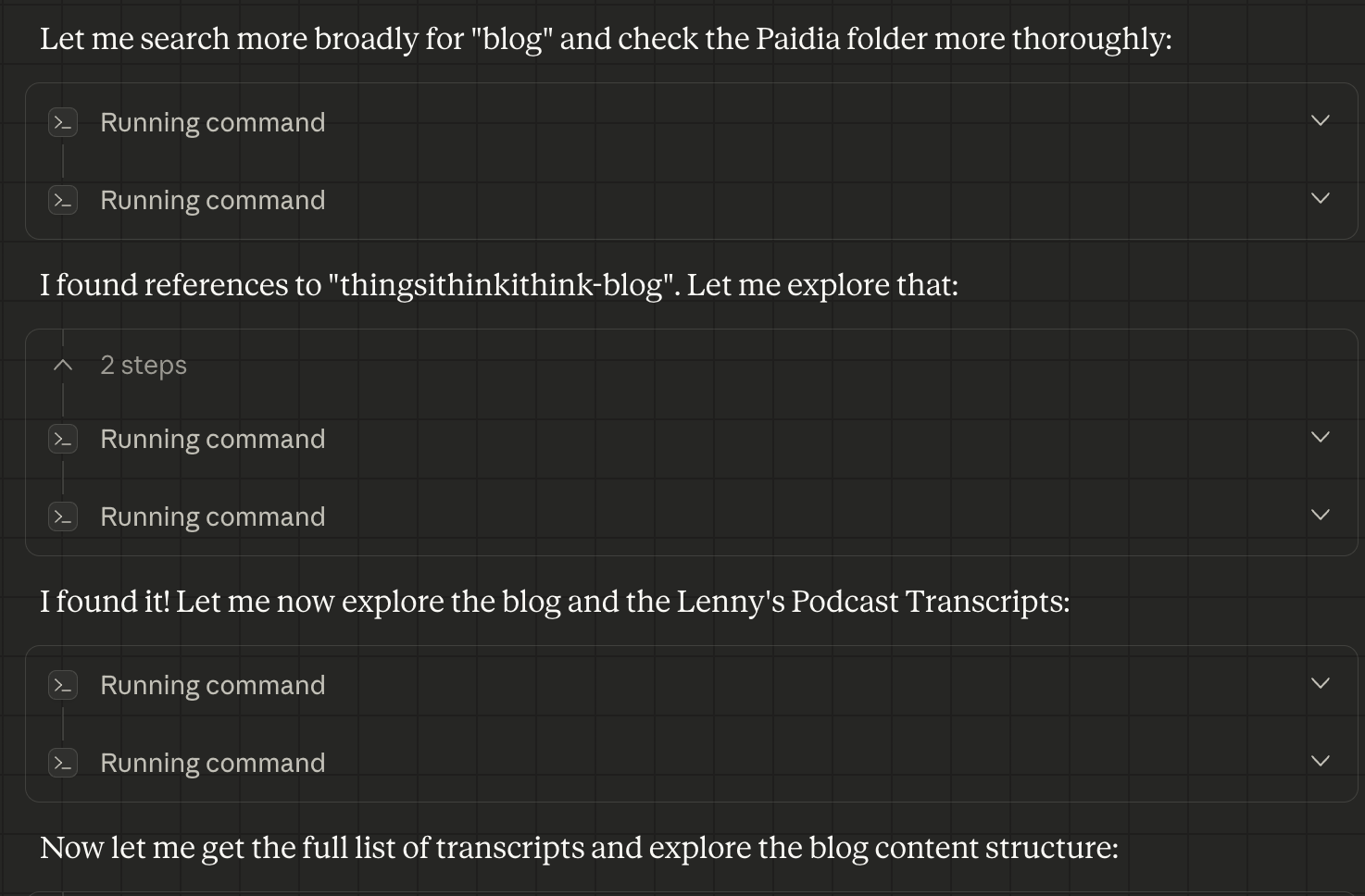
Claude finding the blog by searching the filesystem.
Once Claude had found both the transcripts and the blog, it spawned several sub-agents to read and summarise my blog posts and to read and analyse the podcast transcripts.
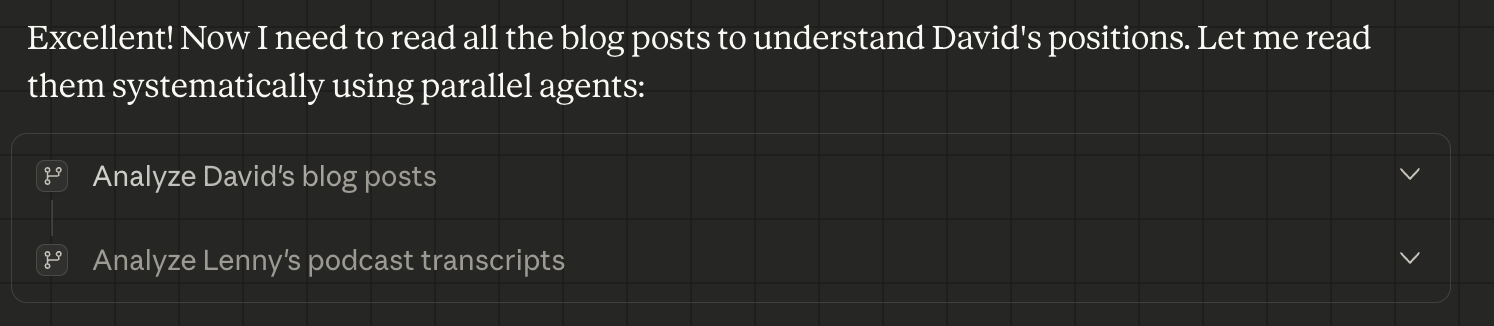
Parallel agents working on the blog and transcript analysis simultaneously.
You can see in the image below that it’s doing several different commands and reading several different files at the same time. These were all kicked off in parallel.
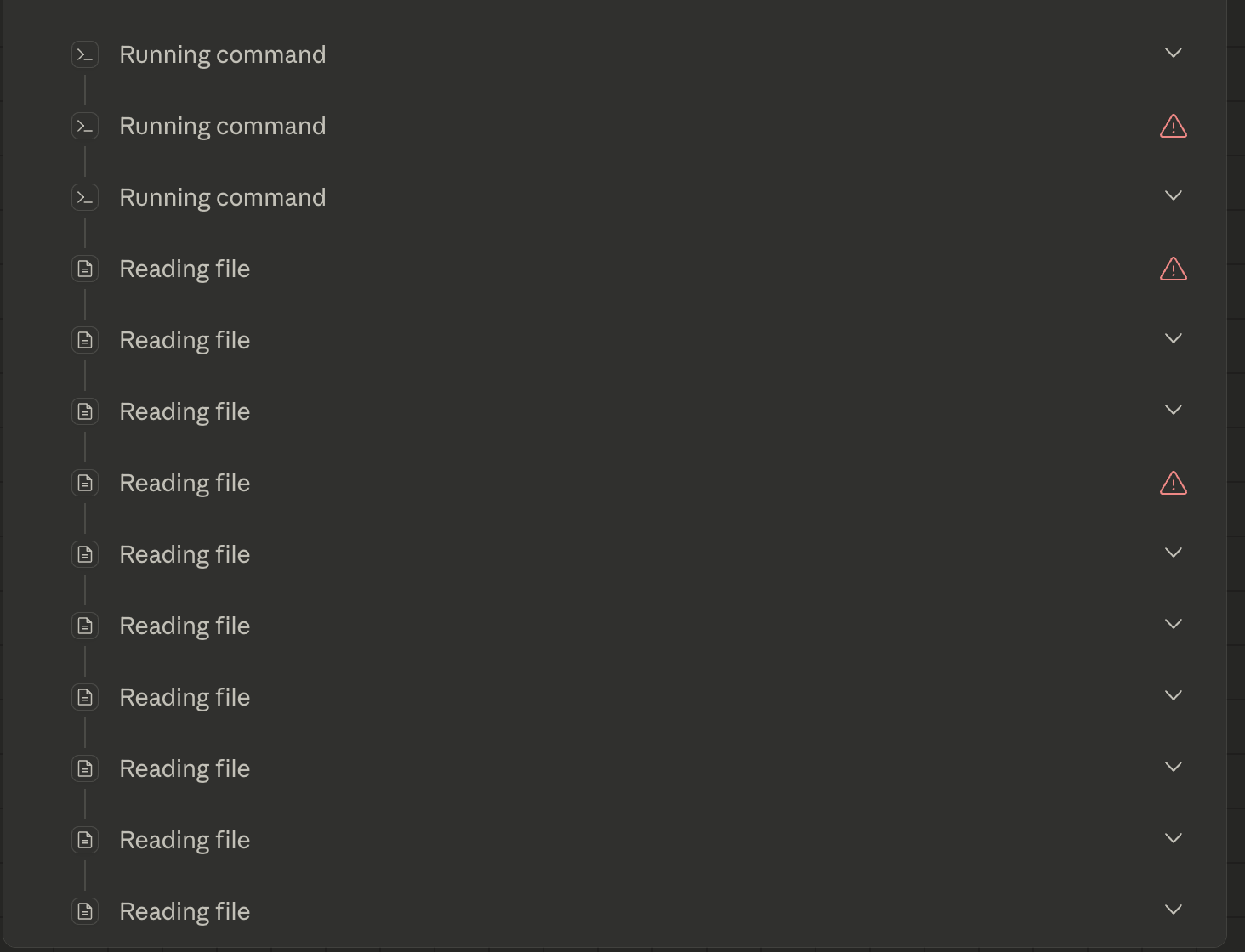
A lot of file reading happening in parallel.
The blog agent read through my posts from 2024 to 2026, extracting my key positions on things like AI evaluation, project management, frameworks, and open source AI. The transcript agent similarly read through Lenny’s transcripts and pulled out their main arguments. I’m not 100% sure it read every single blog post, and I’m not 100% sure it read every single transcript. That’s something I’d want to pay more attention to if there were a lot riding on this.
Then Claude synthesised everything into a set of contrasting positions and suggested ten blog post ideas where my views could be put in tension with perspectives from Lenny’s guests.
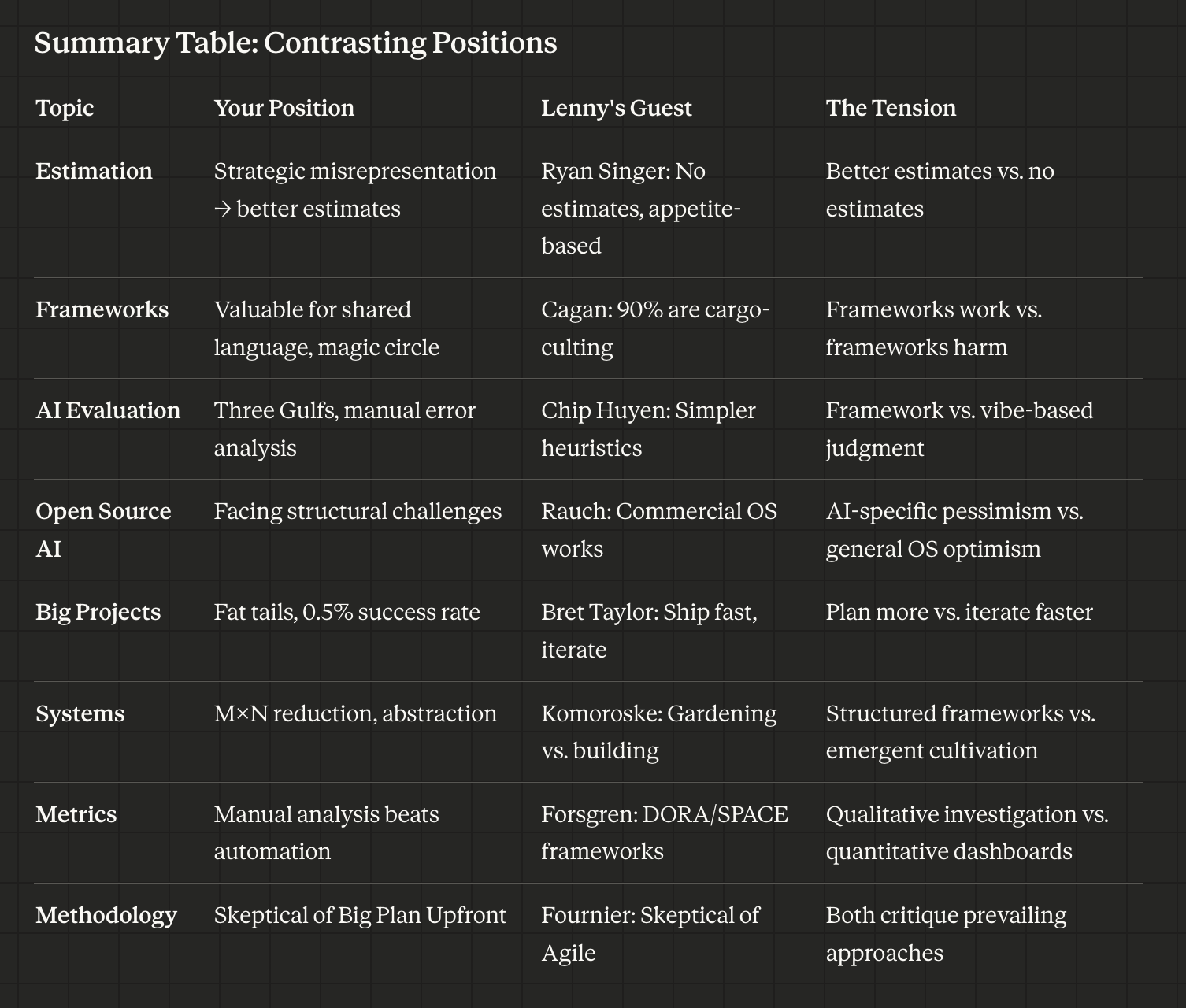
The summary table of contrasting positions.
That table is really cool. Looking at it, I’m actually quite motivated to visit those interviews and maybe even write those articles. So I think this was overall a pretty good success.
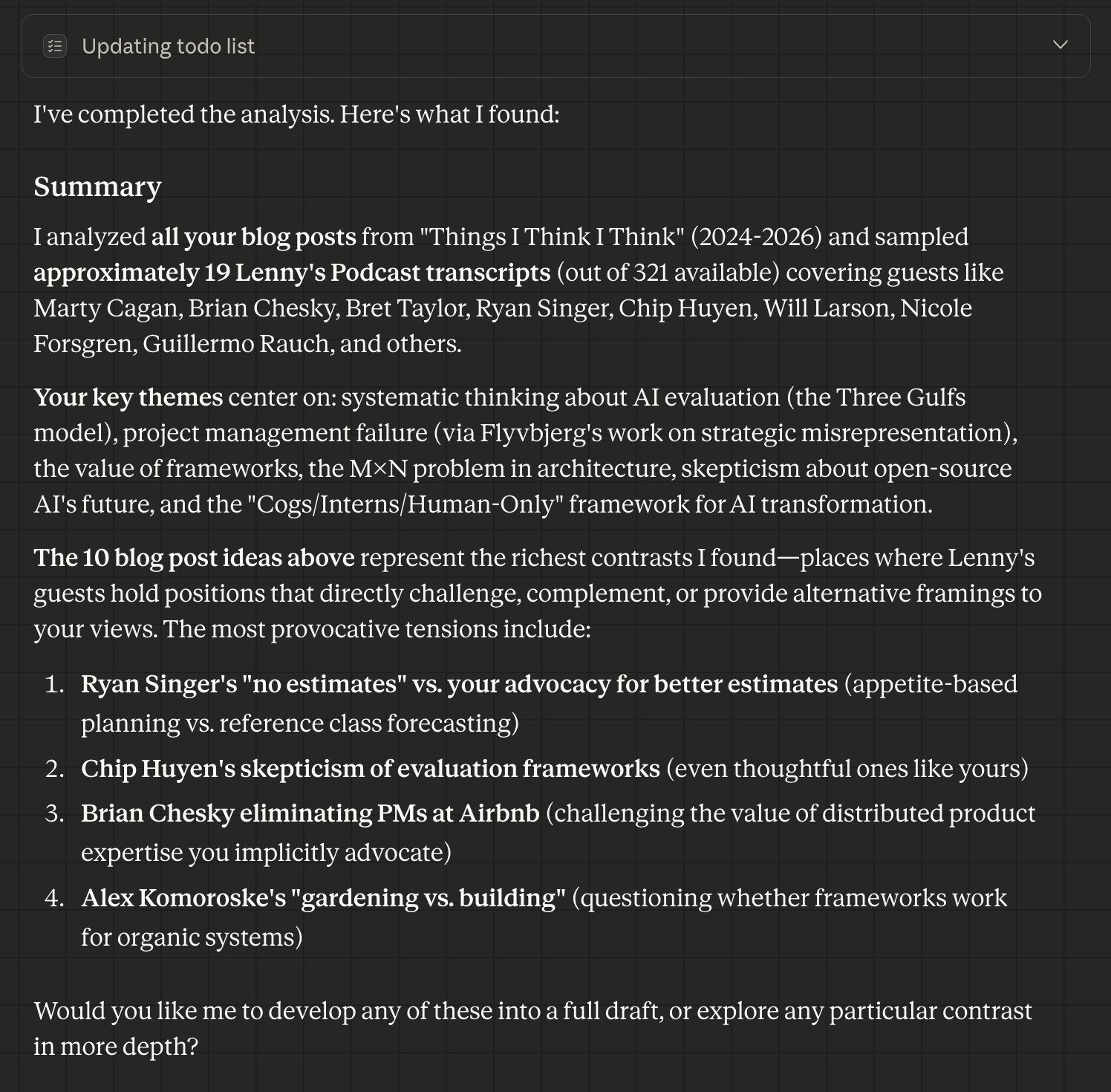
The final output: ten blog post ideas with specific contrasts identified.
thingsithinkithink
-
It’s dead exciting to see agents coming to a wider audience. I think anyone who’s a heavy user of Claude Code feels like they’re living in the future, and I think to some extent we are. This is what everybody will be doing in a year or so. I think Claude Cowork is the first step in that direction.
-
The jagged frontier is still very real. The paper cuts here, the little things I stumbled upon and that tripped me up, those are basically fatal for enterprise adoption today.
-
However, according to Felix Rieseberg (an Anthropic employee), Cowork was thrown together in about a week and a half. It’s excellent already, albeit with all these stumbling blocks, and I have no doubt that the experience will mature over time.
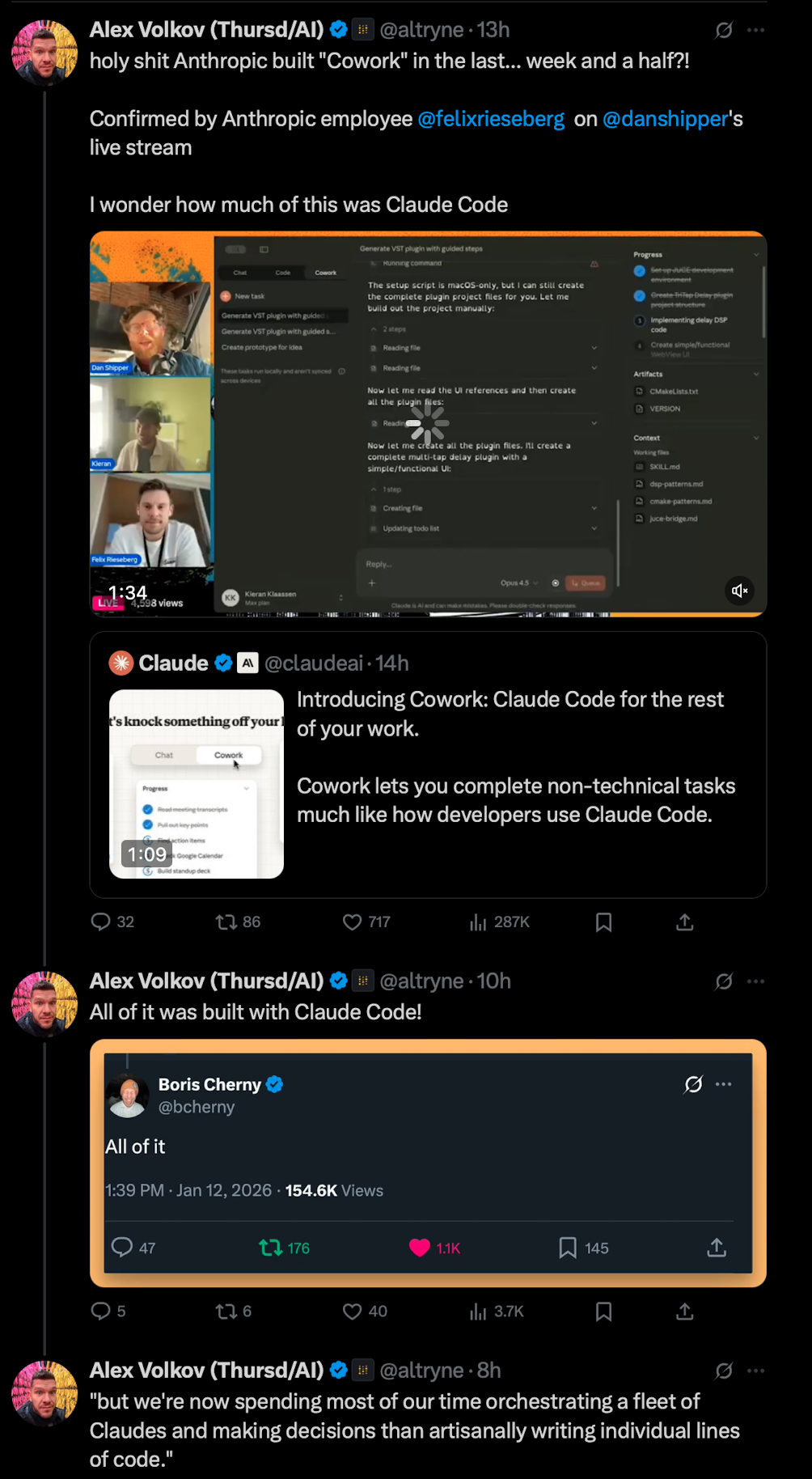
Alex Volkov’s tweet thread confirming Cowork was built in a week and a half, entirely with Claude Code.
-
Until we’re able to add multiple folders, the power of this is going to be relatively limited for me personally. Most of the work I do requires synthesising things across different places on my hard drive. That’s sort of an accident of the way I work, but I suspect it’s not super uncommon.
-
I kind of almost take it for granted now how agentic AI is. I’m used to it, I love it, it’s amazing, and I very much benefit from it. I think anybody who hasn’t been playing with Claude Code is going to have their mind blown by this.